Pre-Expo Setup & Asset Studio

Pedro Felipe
Apple Wallet, Google Wallet & Apple Watch (Native Passes)
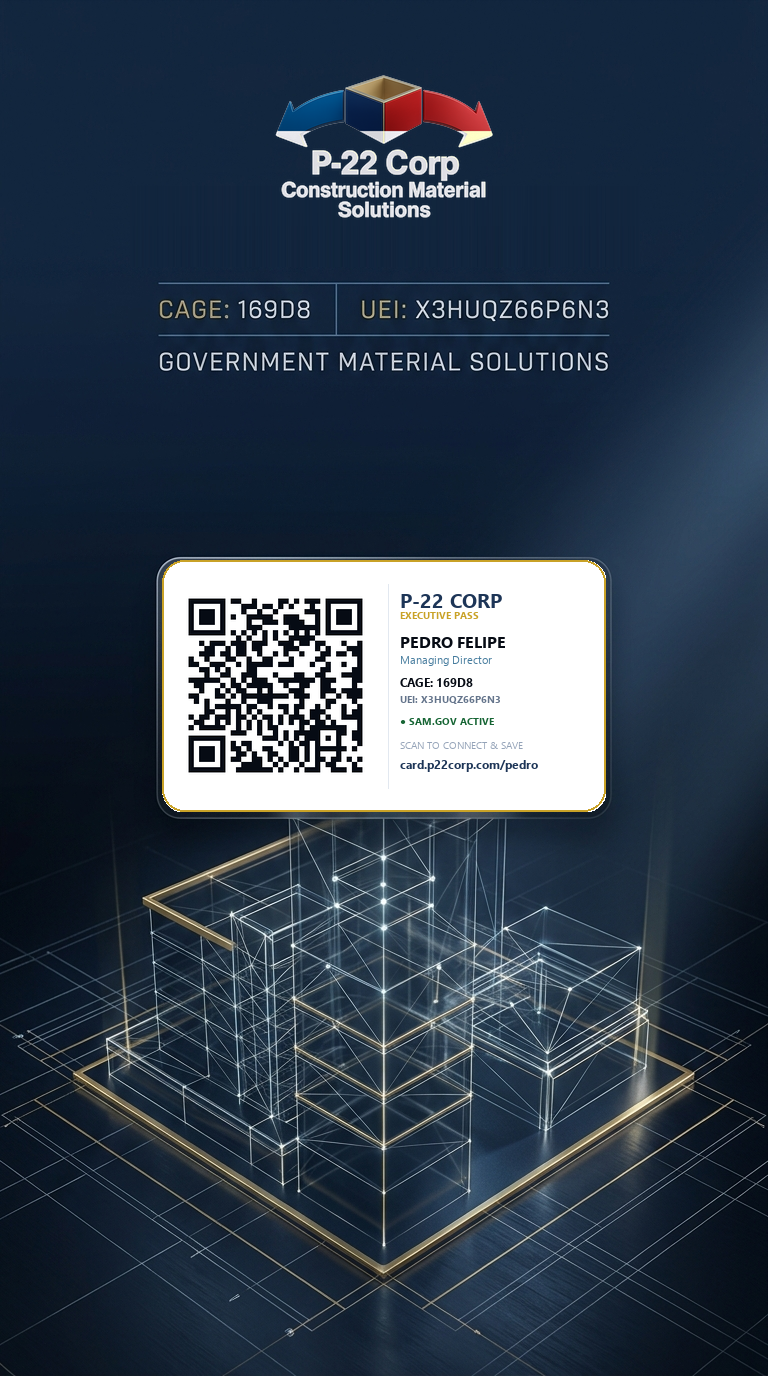
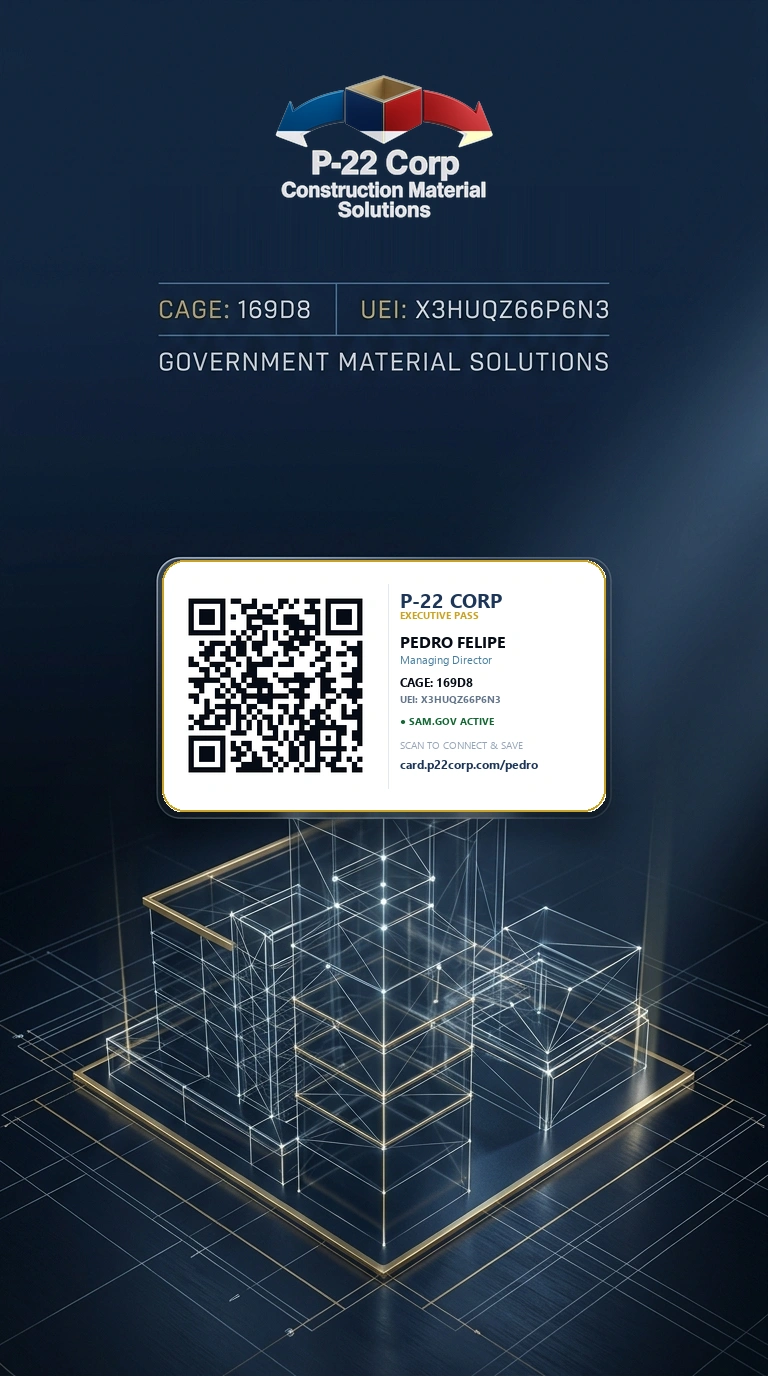
Native digital wallet passes for iPhone, Apple Watch (double-click side button), and Android.
How Native Digital Wallets & Apple Watch Work (No Photos / No PNGs):
🍎 Apple Wallet & Apple Watch Sync
Adding your pass to Apple Wallet on your iPhone automatically mirrors onto your Apple Watch. Double-clicking the watch side button pulls up your QR pass on your wrist—no photos or wallpapers needed!
📱 Google Wallet (Android & Samsung)
Saves directly to Google Wallet for instant access from your quick settings panel, lock screen, or Wear OS watch.
✓ 100% Native in Safari • Instantly adds photo, CAGE 169D8, phone & email into iPhone/Android Contacts
Physical NFC Card Programming (Austin Expo)
Byte-optimized URLs for NTAG213 / NTAG215 chips with in-flight telemetry attribution.
?src=nfc):
✓ Zero Cookies / NIST AU-2
Adding ?src=nfc allows our Google Sheets telemetry router to automatically identify that the visit originated from a physical card tap rather than a QR scan or email signature.
https://card.p22corp.com/pedro
Byte footprint: ~36 bytes (Fits 144B NTAG213 with 75% free space)
Download "NFC Tools" (Free)
Install the free NFC Tools app from the Apple App Store or Google Play Store.
Select Record Type
Tap Write → Add a record → select URL / URI.
Paste URL & Verify Prefix
Keep the protocol dropdown on https:// and paste: card.p22corp.com/pedro?src=nfc
Burn Tag
Tap Write / 36 Bytes and touch your physical card or chip to the top edge of your iPhone (or center back of Android).
/eduardo • Email: elopez@p22corp.com).